Journal Entry / 01Agentic Orchestration · Multi-model Workflows · Requirement Engineering
Bootstrapping an agentic workflow
How I rebuilt my portfolio from scratch using a native agentic workflow — and what I learned doing it.
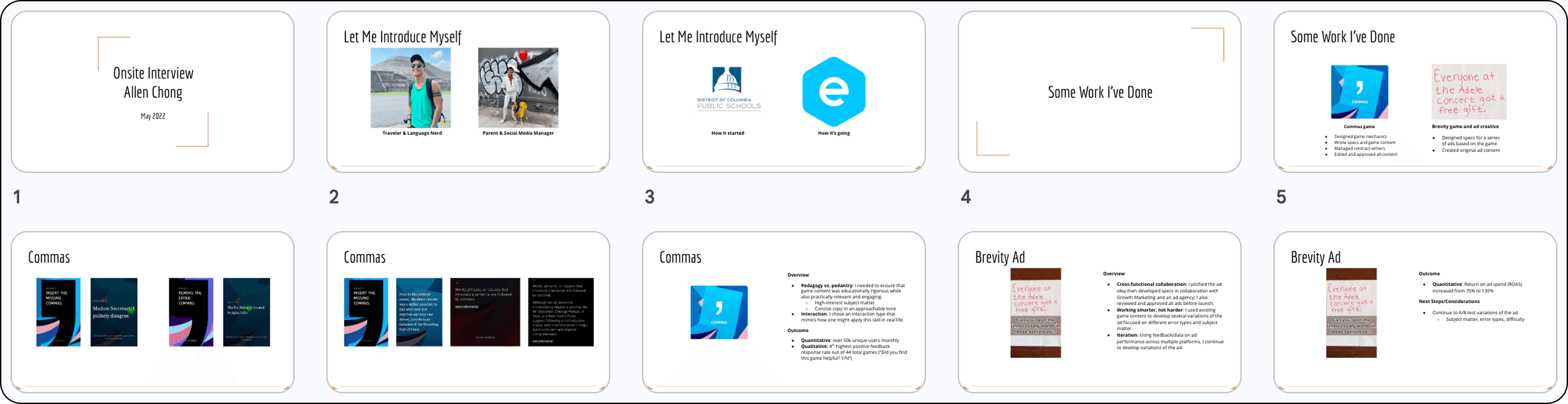
How I rebuilt my portfolio from scratch using a native agentic workflow — and what I learned doing it.
My portfolio has seen a few iterations over the years. The first version was literally a slide deck; looking back, I’m still a little shocked by how much mileage that got me. I eventually upgraded to an actual website using a site builder, which was a step up from Google Slides. But that came with its own frustrations: limited control over design and layout, clunky tools, weird baked-in padding constraints I could never fully design around. I wanted the autonomy of a custom build. No more arbitrary limitations, just the freedom to execute my design vision exactly as intended.
This refresh was also the perfect opportunity to go deeper on something I’d been wanting to explore: building a genuine agentic workflow. So I decided to rebuild the site from scratch in Next.js, despite having zero experience with coding. The learning curve was steep. I was internalizing React Server Components, debugging hydration errors I didn’t fully understand yet, and making meaningful architectural decisions — all at the same time, all solo, with no one to gut-check anything with.
The bigger problem surfaced quickly. I was burning through Claude’s usage limits on messy, incomplete prompts. As anyone who knows me can tell you, I love to talk, and at first I approached this the same way, like a conversation: iterative, exploratory, thinking out loud. I quickly learned that doesn’t scale here. Every vague or under-specified request cost me in tokens, in bad output, and in time cleaning up the mess. I may have vented to Claude once or twice. It was, after all, my only collaborator on this.
Building the pipeline
The real shift was stopping to think about the workflow itself instead of just grinding through the build. I landed on a two-model setup: Claude for strategy, planning, and canonical code and design decisions; Gemini CLI for the grunt work in between; then back to Claude for pixel polish, code review, and anything touching deployment.
Once I stopped treating every task the same way and started routing intentionally, the quality and consistency of the output improved noticeably.
Plan & design
Strategy, design system, exemplars
Execute
Explicit instructions, grunt work
Refine & redirect
Review output, update design system or big-picture direction
as needed — then hand back
↻ Returns to Execute until the work is done
QA & publish
Final review, then ship
Writing prompts that did more work upfront
Once I had the pipeline and the state files in place, the last piece was tightening how I actually wrote prompts. Less describing what I wanted, more specifying the full picture: the context, the constraints, what done looked like, and what to avoid. I’d sometimes even ask AI to pressure test my prompts before executing, to anticipate edge cases and areas of confusion. The shift was from a conversational style to a more declarative one: less back-and-forth, more upfront articulation.
In my opinion, content designers have an edge over other disciplines when it comes to prompt engineering. We spend our careers being deliberate about language: choosing words precisely, building taxonomies that hold up under pressure, writing instructions clear enough that someone unfamiliar can act on them without guessing.
Ditching Figma (mostly)
I started this project the way I’d always started projects: design in Figma first, then hand off to code. I even set up the Figma MCP early on, using Claude to help me build out layouts and pages there before touching the codebase.
It didn’t last long. Once I saw how quickly we could spin up hi-fidelity previews directly in code, going back to Figma started to feel like an unnecessary detour. I was essentially doing the work twice. So I mostly stopped — and the build got faster almost immediately.
In hindsight, I think I was unconsciously mapping an old mental model onto a new kind of workflow. The design-then-handoff sequence made sense when two different people were doing those two things. When it’s just you and an AI that can do both, that boundary dissolves pretty quickly.
Solving the context problem
Early on I was re-explaining the same decisions over and over at the start of every session. It was a real time sink. I asked Claude how to handle it, and the answer was simple: structured state files.
BRIEF.md for the project framing, DECISIONS.md for anything already locked in, STATUS.md for where things stood. Feeding those in at the start of each session meant I wasn’t starting from zero every time. It felt like overhead to set up. It wasn’t.
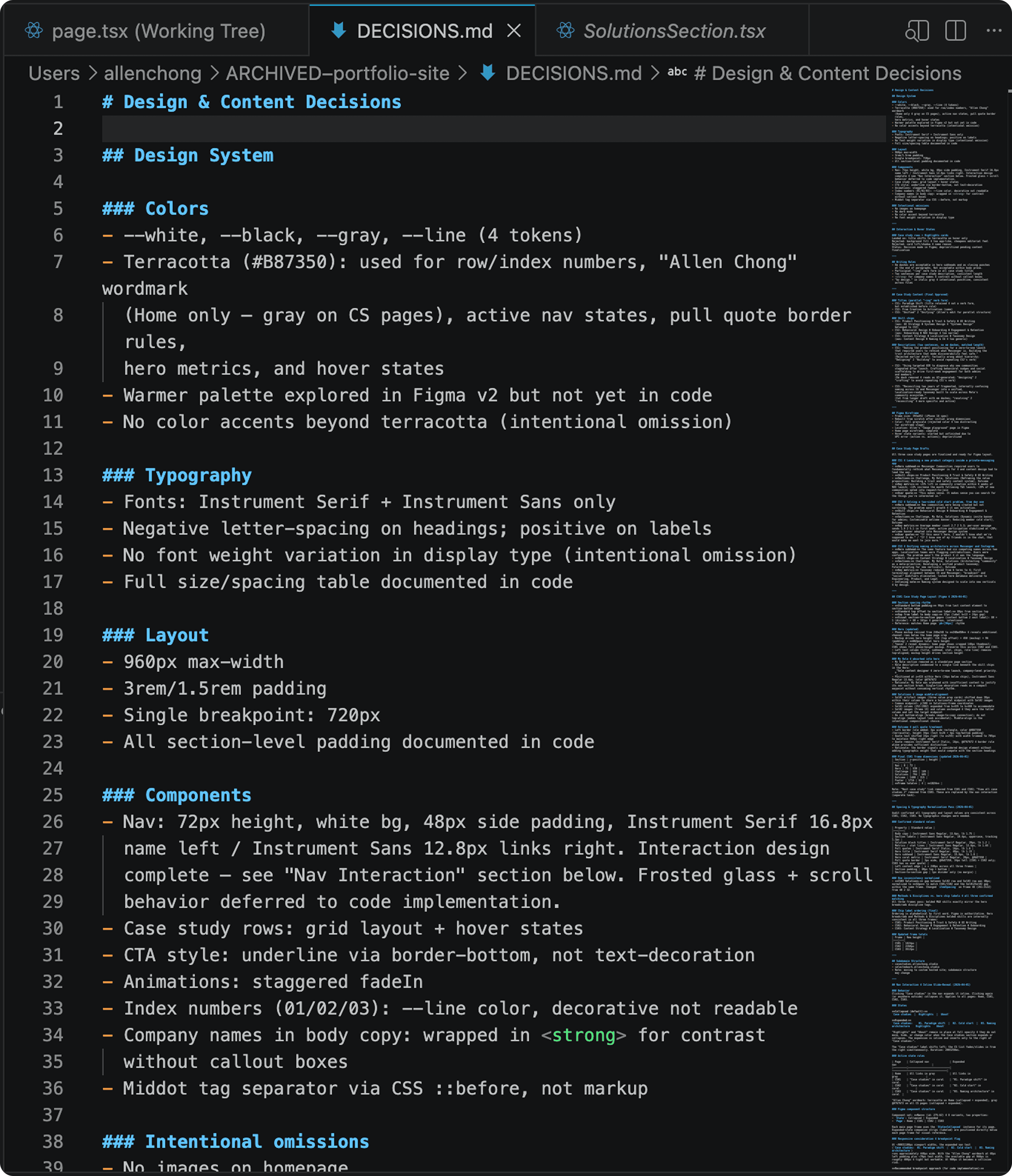
The site shipped (you're looking at it!). But the more useful outcome was the workflow I developed along the way.
The clearest sign it was working: I stopped hitting usage limits. Not because I was doing less, but because I was doing it more efficiently. Better prompts meant fewer round trips, less cleanup, and less wasted context. The pipeline started moving faster the more disciplined I got about it.
Getting to that pipeline wasn’t clean though. Early on I was using Claude and Gemini interchangeably, which created a Frankenstein situation fast: inconsistent code, layout decisions that contradicted each other, no clear source of truth. I had to stop, assess what each model was actually good at, and redesign the process from scratch. That’s when the routing clicked into place: Claude for strategy and decisions, Gemini CLI for execution, Claude again for review and polish.
A few things I’m carrying into future work:
The next things I want to explore:
This project gave me enough firsthand understanding of where the friction lives to actually spec both of those out properly.
Agentic Orchestration
Multi-model Workflows
Requirement Engineering
Context Management
Mental Model Design
Prompt Engineering
Workflow Design